Several timers in one line.
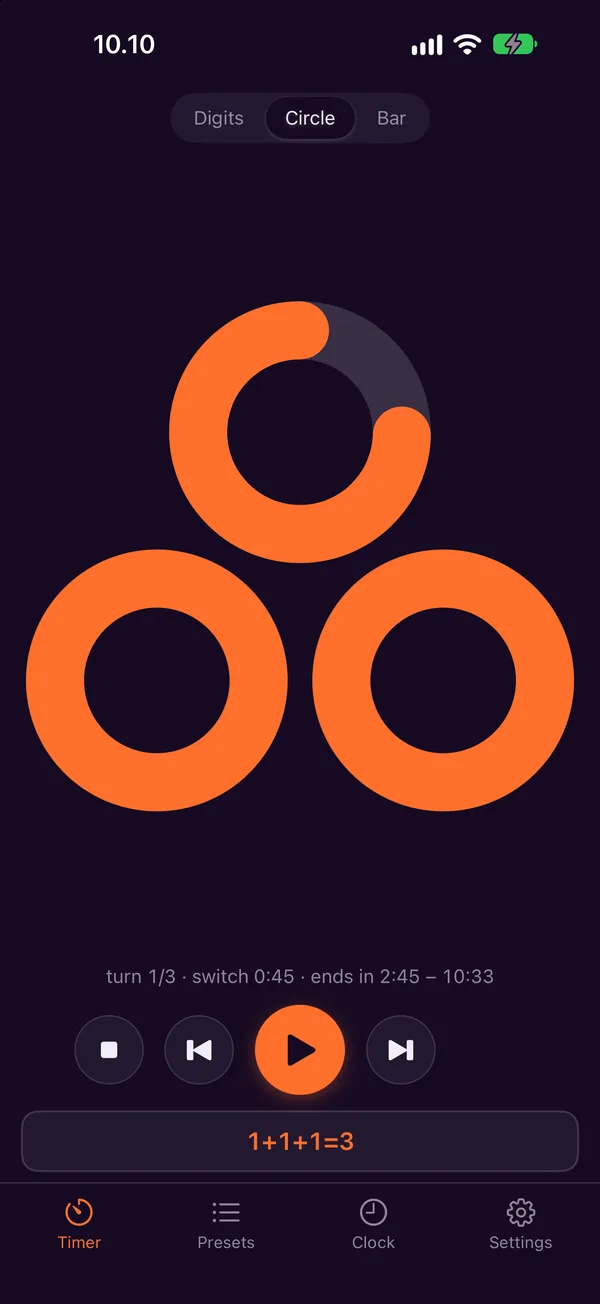
Type 3x4 and Facilitimer handles the speaking turns, rounds and chimes, even with your phone locked on the table. You can keep your eyes on the group. With Pro, run two timers at the same time.
When you lead a group, half your attention goes to the clock.
Who has spoken, how long is left, when to ring for the next round. Facilitimer takes care of that, so you can listen to the people in the room. I made it for my own facilitation work.
One line covers the whole exercise
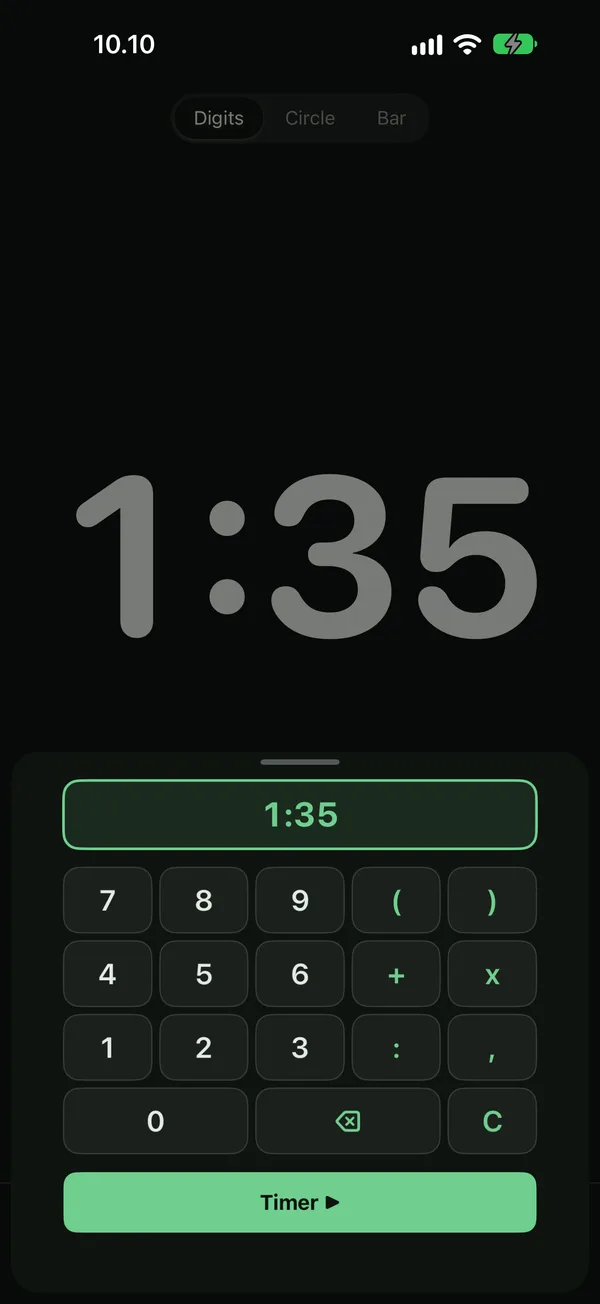
| 10 | ten minutes |
| 3x4 | four three-minute speaking turns |
| (2+1)x3 | three turns, each with a chime at two minutes |
| 5+3x4+5 | introduction, four turns and a closing discussion |
| ((10+2)+1)x3 | a repeating pair: a 12-minute turn with a chime at 10, then a 1-minute turn, three times |
| 0:30x6 | seconds work too: six 30-second turns |
+ starts a new turn · + inside brackets adds an interval chime within the same turn · x repeats
Try a formula
Time to finish calmly
A chime plays a moment before every turn ends, so the speaker can finish their thought instead of being cut off.
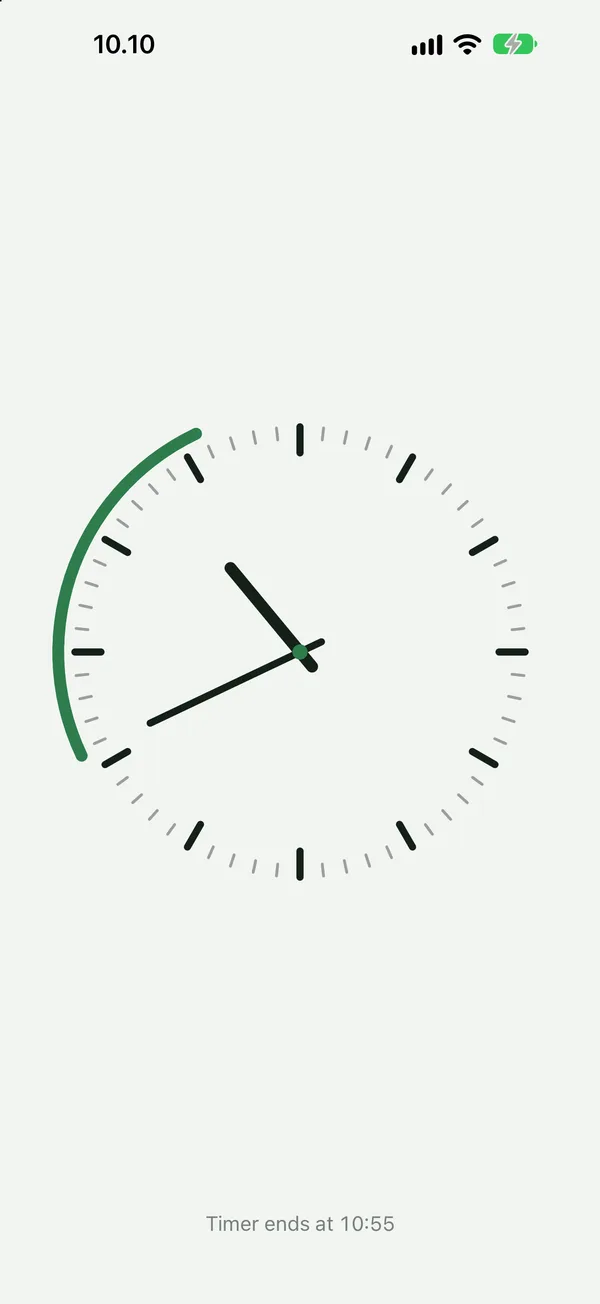
Readable from the back of the room
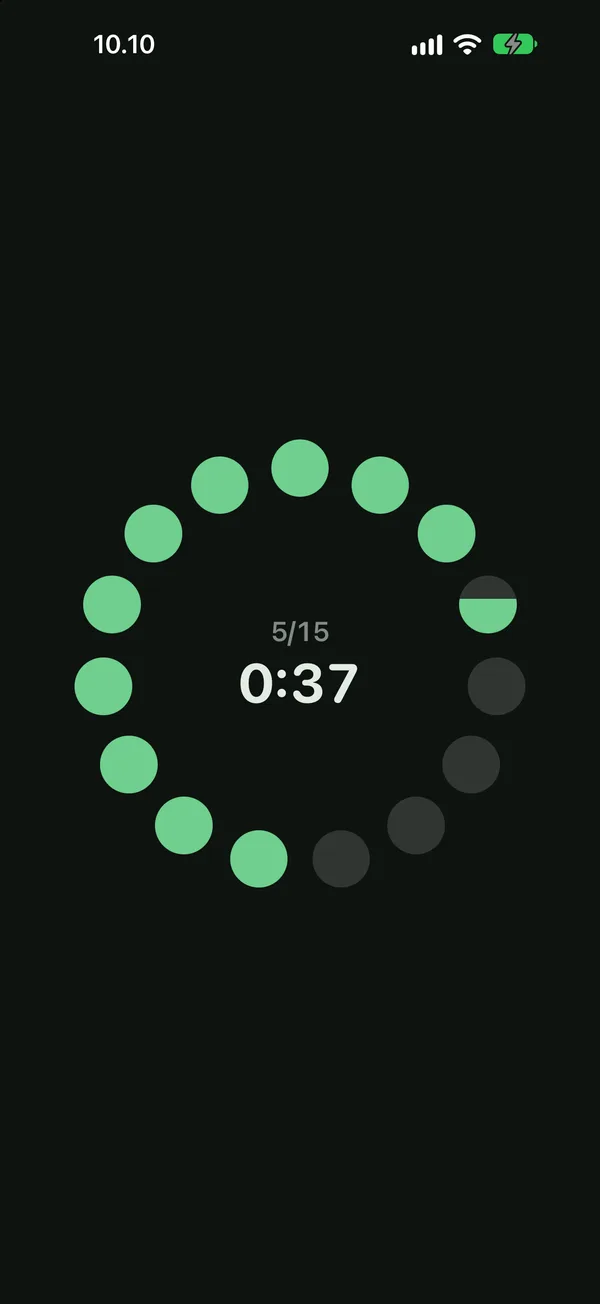
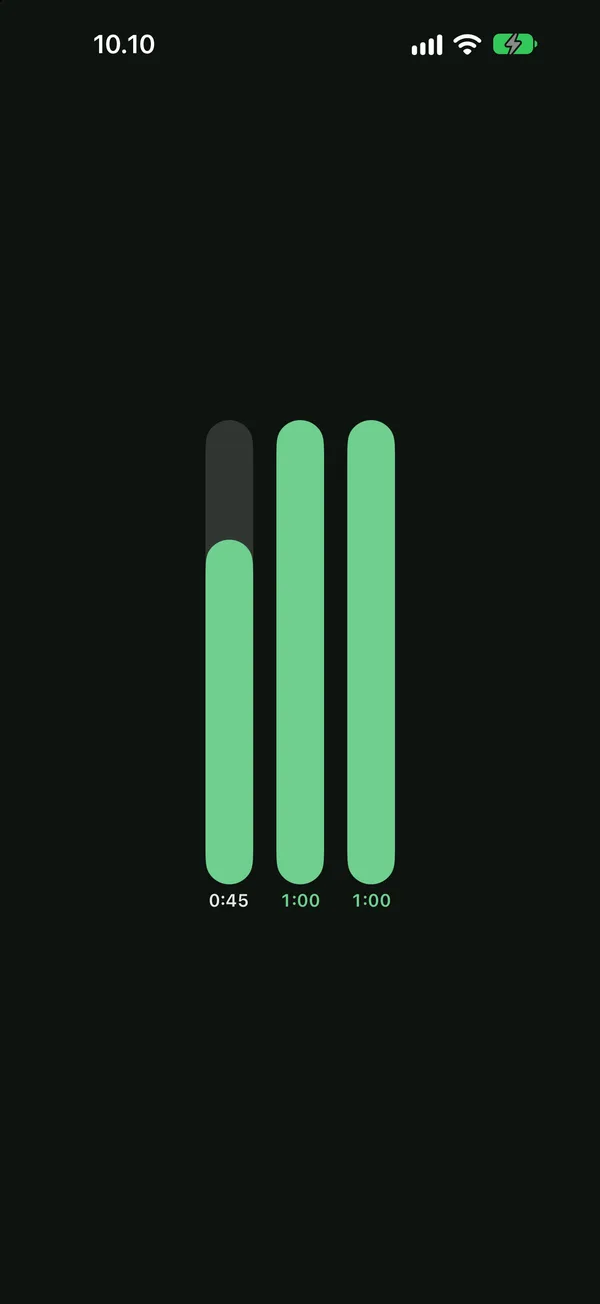
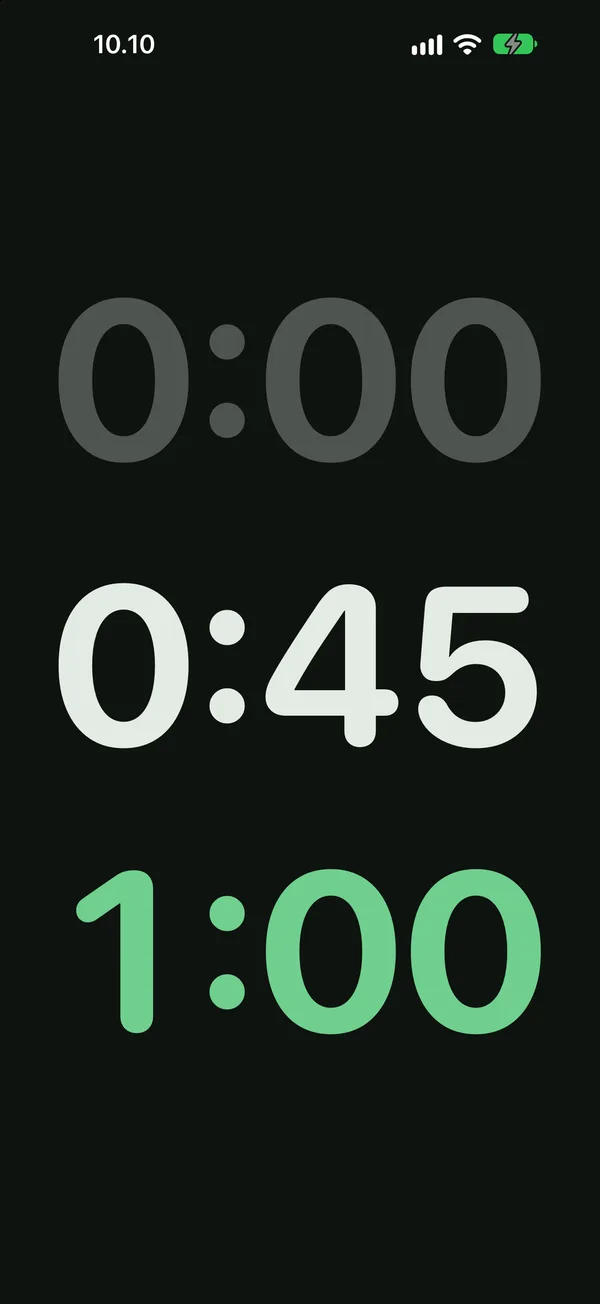
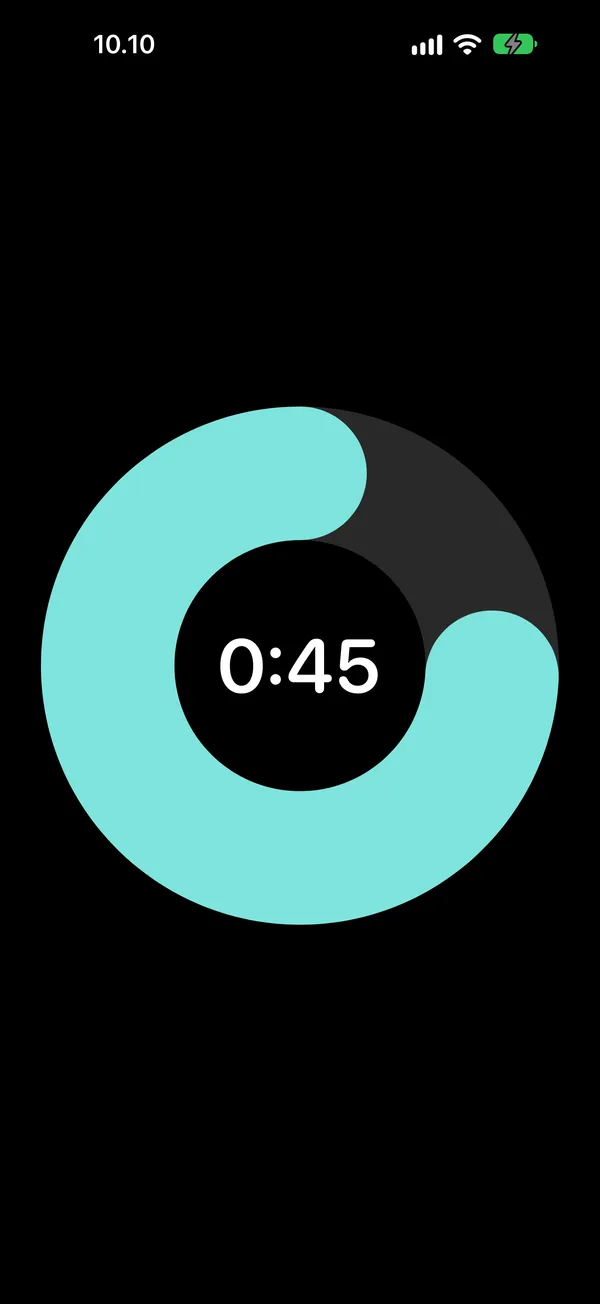
- Each turn as its own circle, bar or number
- Full-screen mode, and in landscape the timer fills the whole screen
- Shows the time of day when the timer will end
- A clock tab, analogue or digital, with several fonts
Put the phone down and lead
- Chimes and a short vibration arrive on time, even with the phone locked on the table
- The lock screen shows the time left in the current turn and the turn number. Pause and resume from there.
- Chimes play even when the phone is set to silent. You set the volume with the phone's buttons.
Singing bowls, not alarm bells
- 17 chimes: singing bowls, bells, ding dong, a melody, a kitchen timer, birdsong, a rooster, a splash and more
- Its own sound for the start, interval chime, turn change, advance warning and end
- Repeats (1–3 times), vibration, and a silent mode where the screen flashes instead
- Sounds never overlap: the previous one fades out softly
- Colour themes, your own colours, light and dark mode, clock fonts
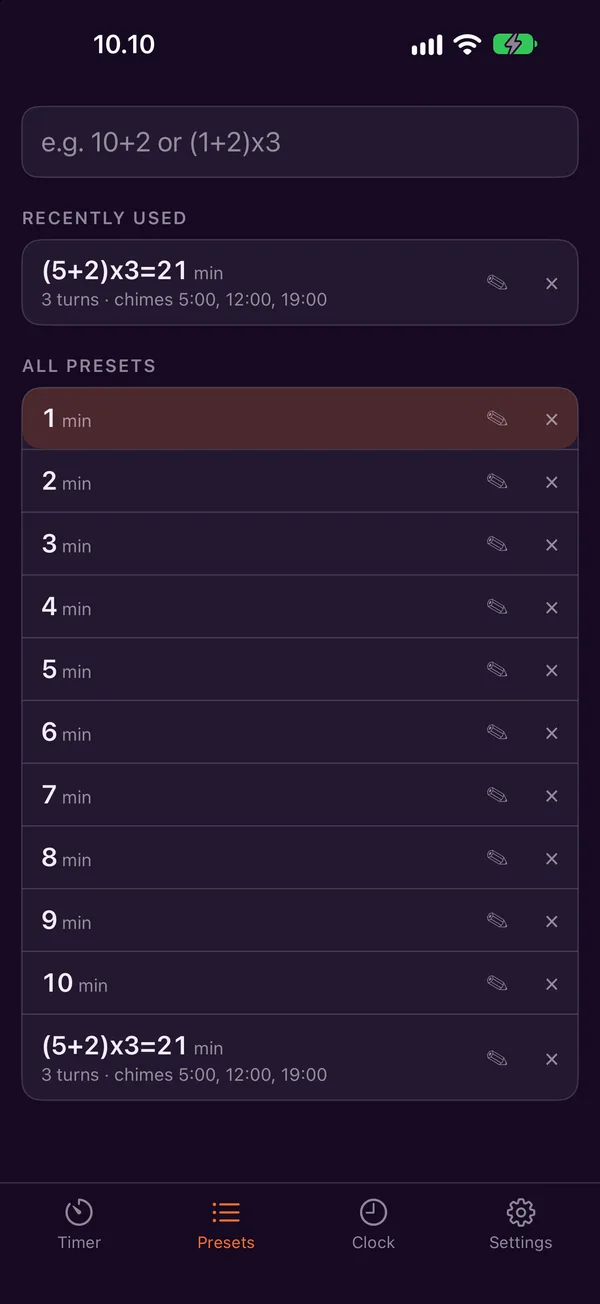
Your usual structures, one tap away
Save the structures you use often with a name. One tap fills the field, a double tap starts it. The ones you used most recently come first, and presets from 1 to 10 minutes are ready to go.
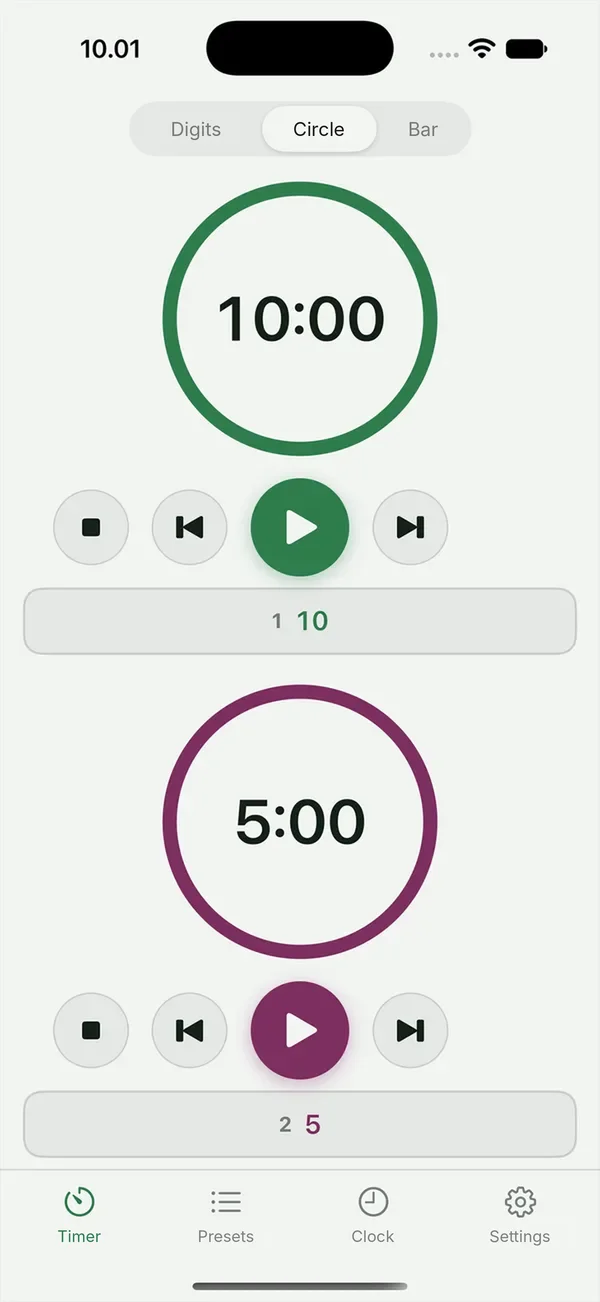
Two groups, two timers
Run two separate timers at once, for example for two groups or two speakers. Each has its own colour and its own buttons, and you can save the pair as a preset.
Free to use. Pro once, no subscription.
Free
- All the core features: formulas, advance warning, lock screen, views and themes
- Ready presets 1–10 min
- 2 presets of your own
- 2 chimes
Facilitimer Pro
- Dual timer
- Unlimited presets of your own
- All 17 chimes
Bought once, restored on your own devices with Restore Purchases.
Frequently asked
Does the timer work when the phone is locked?
Yes. Chimes and a short vibration arrive on time even when the phone is locked, and the lock screen shows the time left in the current turn.
Is there a subscription?
No. Facilitimer is free, and Pro is a one-time purchase of 4,99 €.
Does it work on iPad?
The first version is for iPhone.
Where is my data stored?
Only on your own phone. There is no account and nothing is sent anywhere.
No account. No ads. No tracking.
Facilitimer has no analytics and collects nothing. Your settings and presets stay on your own phone.
Coming soon to the App Store
For iPhone, in English and Finnish. Leave your email and I'll let you know the day it's out.
Or try it now in TestFlight →